You’re Using BatChat Wrong
Here is the thing about BatChat: most people install it, register, send a few messages, and never open the settings menu again. They miss 60% of what the app can actually do.
I have been using BatChat since the beta days. I run a 200-person group on it, manage two admin accounts, and have probably spent way too much time digging through every menu option this app has. These are the 12 features I discovered that genuinely changed how I use the app — and none of them are obvious.
Who this guide is for
If you have been using BatChat for at least a week and want to go beyond "send message, receive message," this is for you. Some of these are power-user features, some are just clever ways to use existing tools. All of them will save you time or give you more control over your privacy.Privacy & Security Hidden Features
These are the features that directly affect your privacy — the whole reason you picked BatChat over WhatsApp in the first place.
1. Message Preview Privacy: Hide Content in Notifications
By default, when a BatChat message arrives while your phone is locked, the notification shows the message content. Anyone glancing at your screen can read it.
The fix: Settings → Notifications → Notification Content → select “Show sender only” or “Hide notification details entirely”.
| Setting | Lock Screen Shows | Best For |
|---|---|---|
| Full content | Sender name + message text | Casual users (not recommended) |
| Sender only | Just “[Contact Name]“ | Most people |
| Hide details | ”New message” only | Maximum privacy |
This takes 5 seconds to set and prevents a dozen awkward moments.
2. Secret Chat Timer: The Hidden “Auto-Shred” Setting
Everyone knows BatChat has Secret Chats with end-to-end encryption. But there is a timer setting most people miss: the auto-delete timer.
When you open a Secret Chat, tap the timer icon (⏱️) in the top-right corner. You can set messages to self-destruct after any duration from 5 seconds to 1 week.
Pro tip: The timer starts when the recipient reads the message, not when you send it. So you can send a message at 2 AM and they will still have the full timer window when they wake up and open it.
3. Screenshot Detection: How to Know if Someone Screenshotted Your Chat
This one is buried deep. BatChat can notify you when someone takes a screenshot of your conversation.
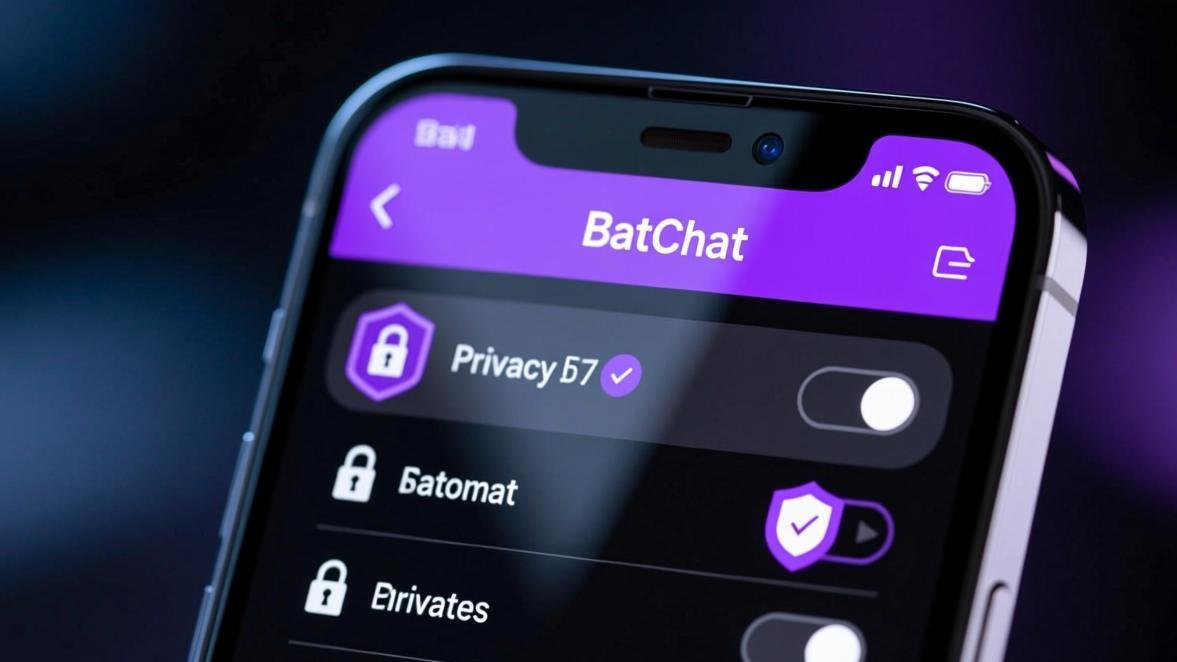
Settings → Privacy & Security → Screenshot Notification → toggle ON.
When active, if the other person screenshots your chat, you will see a small camera icon in the chat with a notification: “Screenshot captured.”
Important limitation
Screenshot detection works in normal chats and Secret Chats, but it is not bulletproof. Someone can take a photo of their screen with another phone and you will never know. Treat every message you send as potentially screenshot-able — this feature is a deterrent, not a guarantee.4. Hidden Online Status: Appear Offline While Using the App
BatChat shows your contacts when you were last online. If you want to browse messages without everyone knowing you are active:
Settings → Privacy → Last Seen → select “Nobody” or “My Contacts Except…” and exclude specific people.
Note: when you hide your last seen, you also cannot see other people’s last seen status. This is intentional — BatChat enforces reciprocity here, unlike WhatsApp which lets you hide yours while seeing others’.
Group Management Power Tools
Running a BatChat group is not like running a Telegram group. The admin tools are different, and these three are criminally underused.
5. Group Join Requests: Pre-Screen New Members
By default, anyone with an invite link can join your group. For private groups, this is a security risk. Enable join requests:
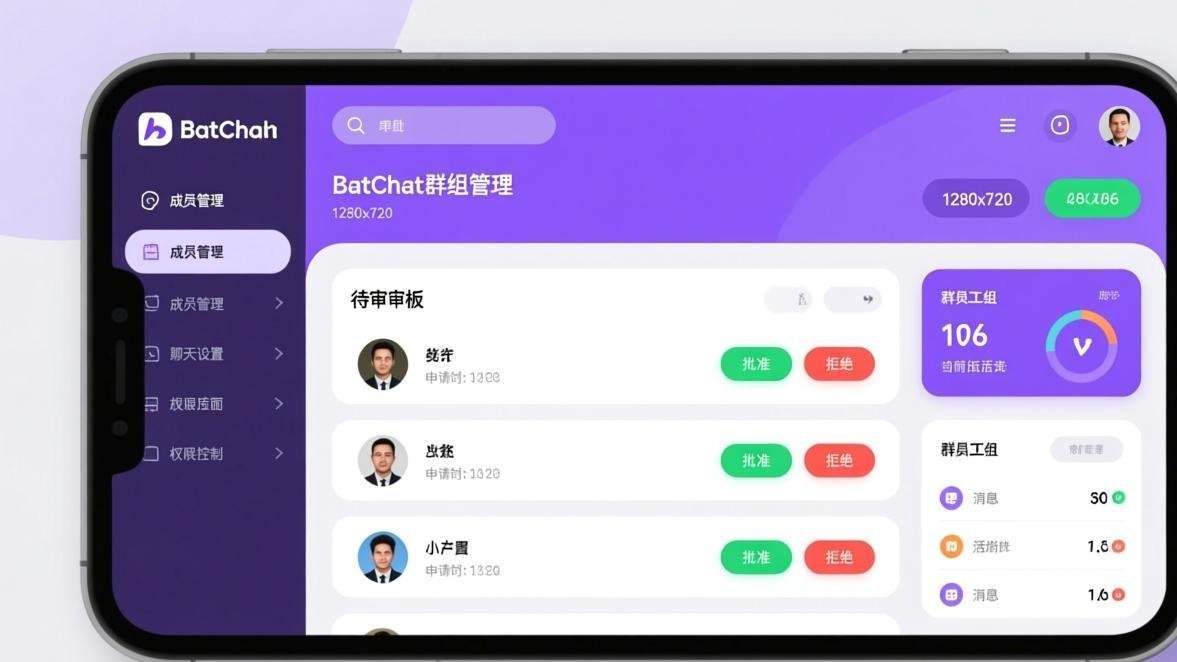
Group Info → Group Settings → Join Approval → toggle ON.
Now when someone uses your invite link, they enter a waiting area. You see their profile, username, and can approve or reject. No anonymous strangers in your group, ever.
6. Admin Message Pinning: More Than Just “Pin”
Most admins pin one message and forget about it. BatChat supports multiple pinned messages. But the real trick: you can set pin expiration.
Long-press a message → Pin → set duration (1 hour, 1 day, 1 week, or permanent).
I use this for event groups — pin the event details for the day, auto-expire after the event ends. No manual unpinning.
7. Custom Group Notifications: Mute With Rules
This is the feature that saved my sanity running a 200-person group.
Settings → Notifications → Group Notifications → Custom Rules.
You can set:
- Smart Mute: Only notify when you are @mentioned or replied to
- Keyword alerts: Get notified only when specific words appear (e.g., “@admin”, “urgent”)
- Time-based mute: Automatically mute between 10 PM and 8 AM
The keyword alert is a game changer. Set it to your name or “help” and you will never miss an important message in a busy group.
Messaging Efficiency Tips
8. Schedule Messages: Write Now, Send Later
I use this constantly. Draft a message, schedule it for the right time, and forget about it.
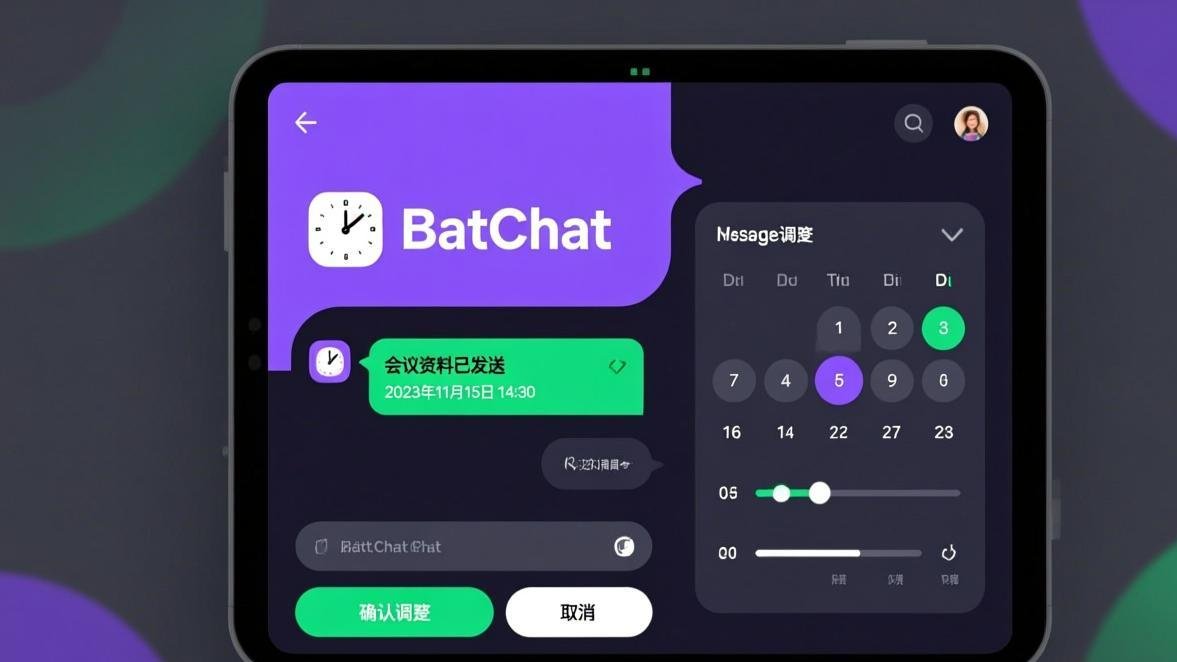
Chat window → tap the ”+” icon → Scheduled Message → write your message → pick date and time → confirm.
Use cases:
- Birthday wishes at midnight (schedule at 10 PM, sends at midnight)
- Work reminders for your team at 9 AM (schedule the night before)
- International contacts in different time zones (schedule for their morning)
9. Quick Reply from Notifications
Without unlocking your phone or opening the app, you can reply to messages from the notification panel.
When a BatChat notification appears, long-press it (or swipe down on iOS) to reveal the quick-reply field. Type your response and hit send. The message is encrypted end-to-end like any other BatChat message.
This works for both individual and group messages. I reply to 40% of my messages this way.
10. Message Drafts: Never Lose Unsent Messages
Ever typed a long message, switched apps, came back, and found it gone? BatChat auto-saves drafts.
When you type text but do not send it, the chat shows “[Draft]” in your chat list. The draft persists even if you close the app. It is local to your device — not synced across devices, so do not expect to start drafting on phone and finish on PC.
11. Bulk Message Deletion: Clean Up Fast
For power users with hundreds of conversations, cleaning up chat by chat is painful.
Settings → Storage → Manage Messages → select multiple conversations → Delete.
You can filter by:
- Chats with media files (these eat the most storage)
- Chats older than 1 month / 6 months / 1 year
- Chats from specific contacts
One tap clears gigabytes of old memes and forwarded videos.
12. App Lock: Independent Password Protection
BatChat has its own app lock independent from your phone lock screen. So even if someone has your phone unlocked, they still cannot open BatChat.
Settings → Privacy → App Lock → set a PIN or pattern.
Enable “Immediate lock” so the app locks the moment you switch away. Combine this with fingerprint unlock for your phone and PIN lock for BatChat — two layers of protection.
Hidden Features Checklist
Privacy Check (3 minutes)
Hide notification content → Set last seen to "Nobody" → Enable screenshot detection → Turn on app lock. These four changes give you 80% of the privacy gains in one session.Group Admin Setup (5 minutes)
Enable join approval → Pin important messages with auto-expiry → Set up keyword-based notification alerts. Your group will run itself.Daily Workflow (ongoing)
Schedule messages for optimal send times → Reply from notifications when busy → Bulk-clean old media every month → Use Secret Chat timers for sensitive conversations.FAQ
The One Feature You Should Enable Right Now
If you only do one thing after reading this, make it App Lock. It takes 15 seconds to set up and prevents anyone with physical access to your unlocked phone from reading your BatChat messages.
Go to Settings → Privacy → App Lock → Set PIN → enable “Immediate lock.”
Done. Now even if you hand your phone to a friend to show them a photo, they cannot swipe over to BatChat without the PIN.
BatChat gives you more privacy controls than almost any other messaging app. The catch is, most of them are turned off by default and hidden in menus you never open. Now you know where they are.
Related articles: