The Complete Guide to
BatChat (蝙蝠聊天)
Free download, in-depth tutorials, security reviews, and expert comparisons with Signal, Telegram, and WhatsApp.
Newest Guides & Reviews

BatChat Two-Factor Authentication Setup - Complete 2FA Security Guide 2026 | BatChatHub
Step-by-step guide to enabling two-factor authentication on BatChat. Learn how to set up 2FA, manage recovery codes, troubleshoot login issues, and understand how 2FA protects your BatChat account from unauthorized access.

BatChat vs Wire - Complete Security & Feature Comparison 2026 | BatChatHub
In-depth comparison of BatChat and Wire covering encryption protocols, server architecture, privacy policies, group chat capabilities, and platform support. Find out which secure messenger fits your threat model in 2026.

BatChat Notification Settings: Complete Guide to Managing Alerts, Muting Chats & Customizing Sounds (2026)
Step-by-step guide to BatChat notification management: enable system alerts on Android and iOS, mute individual and group chats, customize ringtone and vibration, and set Do Not Disturb. Never miss important BatChat messages again.
BatChat vs Session: Which Encrypted Messenger Protects Your Privacy More (2026)
A detailed comparison of BatChat and Session encrypted messengers covering encryption protocols, account registration, metadata handling, decentralized architecture, and real-world usability. We examine which app provides stronger privacy in 2026.
BatChat vs WeChat - Privacy, Encryption & Features Compared | BatChatHub
BatChat and WeChat side by side on encryption, data collection, privacy policies, and features. Which app fits your needs in China's messaging landscape?
BatChat Hidden Features You Probably Don't Know About: 12 Pro Tips for 2026
Discover 12 hidden BatChat features most users never find. From secret chat timer tricks, message preview privacy, screenshot detection bypass warnings, to advanced group admin tools and custom notification rules. Level up your secure messaging game with these pro tips.
Download & Install Guides
BatChat Download for PC — Complete Windows 10/11 Installation Guide
BatChat Android APK Download — Install Guide for Android 8.0+ Devices
BatChat Download for Mac — macOS Installation Guide for Intel and Apple Silicon
BatChat iOS Download — Complete iPhone and iPad Installation Guide
How-To Tutorials
BatChat Two-Factor Authentication Setup - Complete 2FA Security Guide 2026 | BatChatHub
BatChat Notification Settings: Complete Guide to Managing Alerts, Muting Chats & Customizing Sounds (2026)
BatChat Hidden Features You Probably Don't Know About: 12 Pro Tips for 2026
BatChat 换手机后聊天记录怎么迁移?2026年完整教程
App Comparisons
BatChat vs Wire - Complete Security & Feature Comparison 2026 | BatChatHub
BatChat vs Session: Which Encrypted Messenger Protects Your Privacy More (2026)
BatChat vs WeChat - Privacy, Encryption & Features Compared | BatChatHub
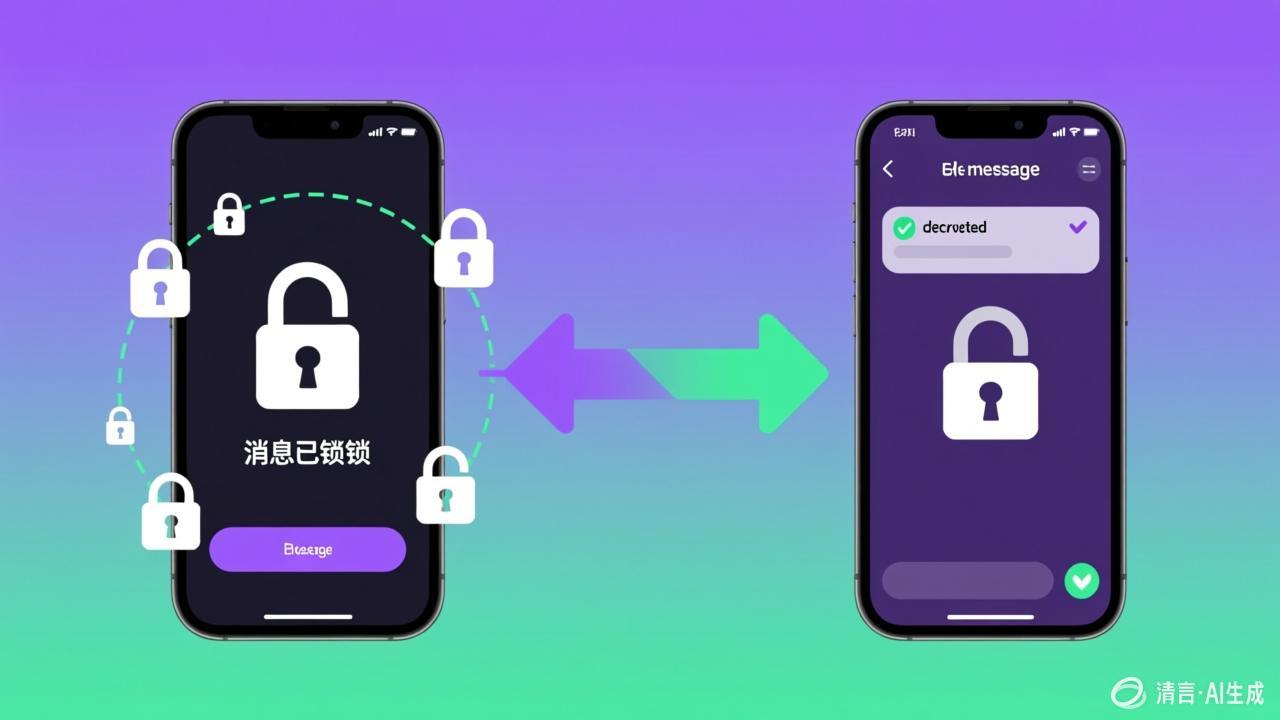
How BatChat Encryption Works Explained | BatChatHub
Troubleshooting & Fixes
BatChat Connection Failed — 5 Proven Fixes | BatChatHub
BatChat Message Decrypt Failed — How to Fix It | BatChatHub
BatChat Login Failed — Causes and Solutions | BatChatHub
BatChat Not Receiving Verification Code — Complete Fix Guide | BatChatHub
What Makes It Different
BatChat (蝙蝠聊天) combines military-grade encryption with features you won't find in Signal or Telegram.
E2E by Default
Unlike Telegram, every message is encrypted. Unlike WhatsApp, zero data collection.
Preset Secret Codes
Set a password for specific contacts. Unique to BatChat — not available in any other messenger.
Secret Chat Mode
Masked identity, no screenshots, no forwarding. For your most sensitive conversations.
TB-Level File Transfer
Send files of any size, encrypted, with breakpoint resume. Way beyond Signal's 100MB.
BatChat vs The Competition
See how BatChat stacks up against the world's most popular encrypted messengers.
BatChat vs Signal
BatChat vs Telegram
BatChat vs WhatsApp
Frequently Asked Questions
Quick answers about BatChat (蝙蝠聊天).
Is BatChat (蝙蝠聊天) safe to use?
Is BatChat free?
How is BatChat different from Signal and Telegram?
Can I use BatChat on my PC?
What is Secret Chat Mode (密聊模式)?
What is Preset Secret Message (预设密信)?
Can I send large files through BatChat?
Why can't I connect to BatChat?
Ready to Secure Your Chats?
Download BatChat (蝙蝠聊天) for free — end-to-end encrypted messaging across all your devices.
📥 Download BatChat — It's Free