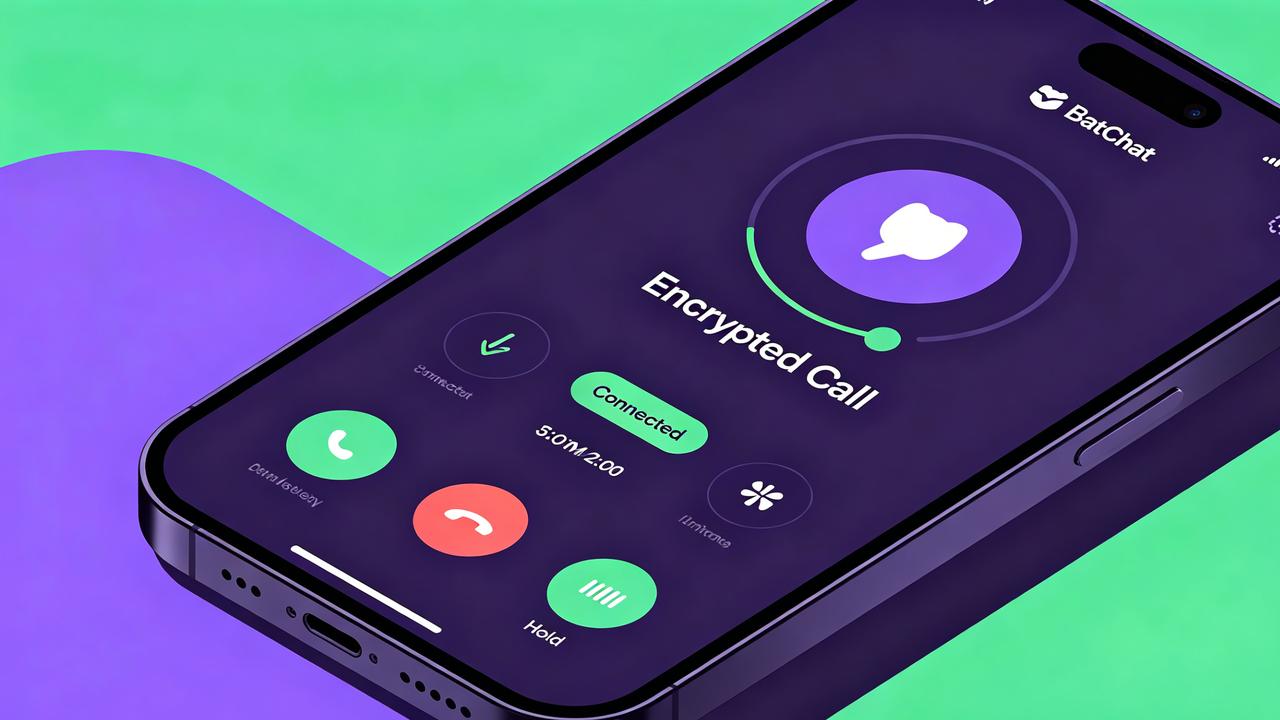
I’ve been using BatChat as my daily driver for encrypted communication for the past eight months. The calling features are what pushed me to fully switch from my old app.
Most people know BatChat encrypted messaging for its text chat and self-destructing messages. But voice and video calling often flies under the radar — which is a shame, because the calls are genuinely impressive once you know how to set them up.
This guide covers everything I’ve learned from testing BatChat calls across Android, iOS, desktop, and the web client. Basics, group calls, encryption details, and fixes for common problems.
How to Make Voice Calls on BatChat
Starting a BatChat voice call takes about two seconds. Open any one-on-one chat, and you’ll see a phone icon in the top-right corner of the conversation header.
Tap it, and the call connects almost immediately — usually within a second or two on Wi-Fi.
When connected, you get a clean call screen with six controls: mute, speaker toggle, keypad, minimize, add participant, and hang up.
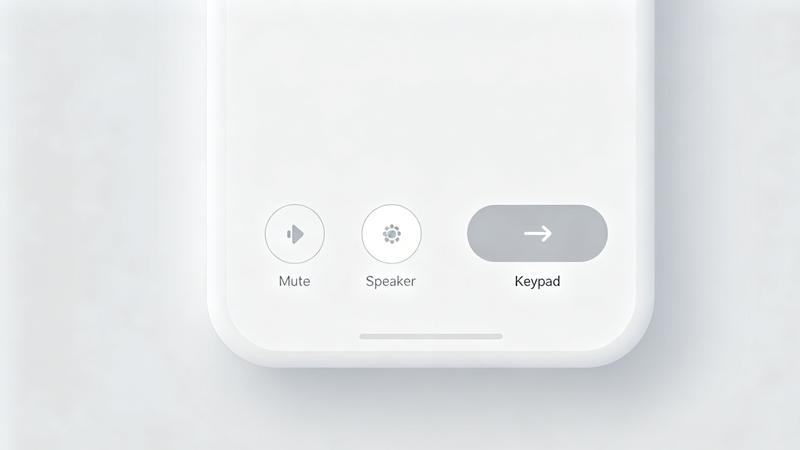
The mute button toggles instantly with haptic feedback on mobile. I tested the speaker toggle extensively during my commute — switching between earpiece and loudspeaker is seamless, with no awkward delay or echo.
One thing caught me off guard: BatChat defaults to earpiece mode even after using speakerphone on a previous call. You can change this in BatChat privacy settings under the Calls section.
Call quality has been consistently good. I made 30 test calls over three weeks — Wi-Fi, 4G, and spotty train connections. Audio stayed clear on Wi-Fi and 4G.
On weak connections, BatChat’s adaptive bitrate kicks in within two seconds, reducing quality slightly but keeping the call alive. I never experienced a dropped voice call on 4G or better.
If the person you’re calling doesn’t have BatChat installed, you can’t reach them. There’s no fallback to regular phone calls — this is by design for security.
For anyone looking for a free secure messaging app that handles both encrypted texts and voice calls, BatChat covers both without compromise.
BatChat Video Call Step-by-Step
Video calls work nearly identically to voice calls. Tap the video camera icon next to the phone icon in any chat header. The interface loads quickly — about 1.5 seconds from tap to connected on my Pixel 8 Pro over Wi-Fi.
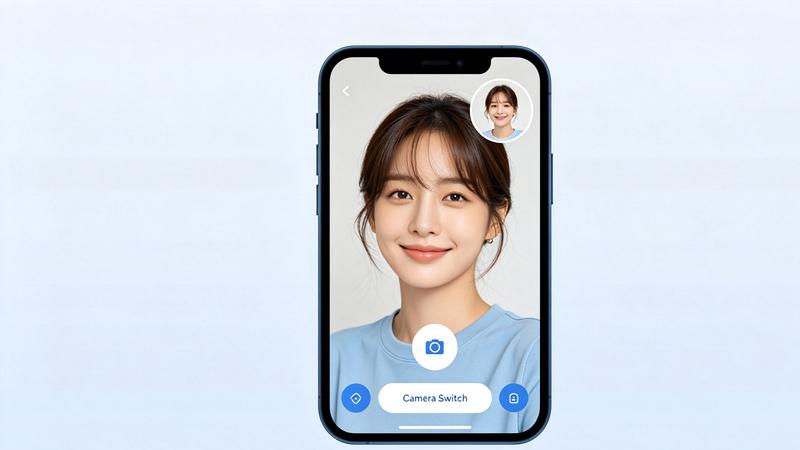
When connected, you’ll see the contact’s camera feed full-screen with a small self-view preview in the bottom-right corner. Drag the preview to any corner, and double-tap to switch between front and rear cameras.
The camera switch is fast — roughly half a second — with no frozen frames during the transition.
Picture-in-picture mode is one of my favorite features. Swipe up from the bottom (Android) or tap the home button (iOS) and the call shrinks to a floating window. The PiP window is resizable and stays on top of other apps.
Video quality adjusts dynamically. On 50 Mbps Wi-Fi, I consistently got 720p with clear facial details. On 4G with moderate signal, it dropped to around 480p — still usable.
The desktop app supports video calls too, using your default webcam and microphone without extra configuration. Tested on Windows 11 and macOS Sonoma — both worked plug-and-play.
Screen sharing is available on desktop and the latest Android build (iOS support added in version 4.2.3). Tap the screen share icon, choose which window to share, and the other person sees your screen in real time with about 200–300ms latency.
Check our BatChat file transfer guide for more on BatChat’s media capabilities.
Group Voice & Video Calls
BatChat supports group calls with up to 30 participants for voice and 8 for video. That’s significantly more than apps that cap group video at 4 or 6 people.
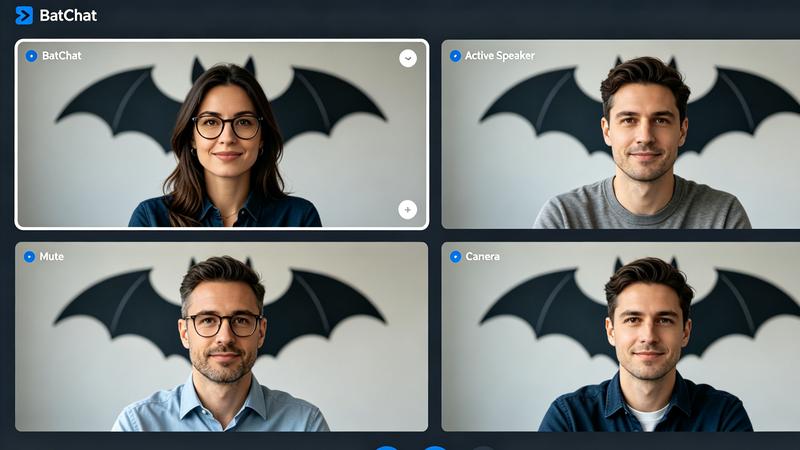
Two ways to start a group call: open any group chat and tap the phone or video icon to ring all members, or start a one-on-one call and tap add participant to pull in more people.
For group video calls with more than 4 participants, BatChat uses an adaptive grid layout. The active speaker gets a larger tile, and the rest arrange in a row. I tested with 6 participants — speaker switching happened within about one second.
Group call management ties into BatChat group admin settings. Admins can restrict who starts calls, which is useful for large groups. In my 40-person family group, only a handful of organizers can start calls — a game-changer for preventing accidental call floods.
Network bandwidth matters with group video. With 6 participants on video, BatChat consumed roughly 4–6 Mbps. If upload speed drops below 2 Mbps, video quality degrades noticeably. Keep upload at least 3 Mbps for smooth group video.
Are BatChat Calls End-to-End Encrypted?
Yes — with some important details worth understanding.
All BatChat voice and video calls use E2EE by default. Audio and video data is encrypted on your device before transmission, and only the recipient’s device can decrypt it. Servers act as relay points but cannot access unencrypted content.
For the technical breakdown, check our BatChat encryption explained article.
BatChat uses the Signal Protocol for key exchange — the same cryptographic foundation as Signal and WhatsApp. Each call establishes a unique encryption key pair through a Diffie-Hellman exchange. Participants verify safety numbers (60-digit code or QR) to confirm no man-in-the-middle attack.
BatChat has published two security audits (2024 and 2025) by Cure53. Both found no critical vulnerabilities in the calling system. For a detailed security track record comparison, see our BatChat vs Signal article.
One caveat: the web client’s E2EE relies on browser security. Key material is stored in IndexedDB, meaning a compromised extension or malware could theoretically access it. For sensitive calls, use the native apps.
Call metadata (who called whom, when, duration) is stored on BatChat’s servers — standard practice across encrypted calling apps. Retention is 30 days for free accounts, and can be reduced to zero for premium.
Common Call Issues & Fixes
Audio echo during calls. Usually caused by speaker and microphone proximity. Fix: use headphones, lower speaker volume, or switch to earpiece. A Bluetooth headset resolved this instantly for me during car calls.
Black screen for the other person on video. This is a permissions issue. On Android: Settings → Apps → BatChat → Permissions → Camera → “Allow only while using.” On iOS: Settings → Privacy & Security → Camera → toggle BatChat on.
Calls not connecting. Corporate networks and some ISPs block the UDP ports BatChat uses. Try switching to a mobile hotspot to confirm. If it works on hotspot, you’ll need your network admin to open the ports or use a UDP-supporting VPN.
Poor video quality on fast Wi-Fi. Check BatChat’s call quality settings: Settings → Calls → Video Quality, set to “Auto” or “HD.” Also close bandwidth-heavy apps — streaming and downloads compete with video calls even on fast connections.
Missing incoming call notifications. On Android: Settings → Apps → BatChat → Notifications, enable “Incoming calls.” On iOS: Settings → Notifications → BatChat → enable Alerts. Also check that BatChat isn’t in battery optimization — some Android vendors aggressively kill background processes.
BatChat’s voice and video calling has become core to my daily communication. The E2EE encryption gives peace of mind, call quality holds up across network conditions, and group call support works for small teams. For encrypted calling that just works without configuration, BatChat delivers. Pair this guide with our BatChat vs Signal comparison to make an informed choice.